JOYDD BLOG
Blog
Venue & Operations
DIY UV Printing Vending Machine: How It Works, Running Costs and What to Ask Before You Buy
A DIY UV printing vending machine lets visitors design their own souvenir on a touchscreen — using a photo, a template, or their own artwork — and receive a printed item on the spot. Instead of choosing from shelves of identical gifts, each visitor walks away with something they made.
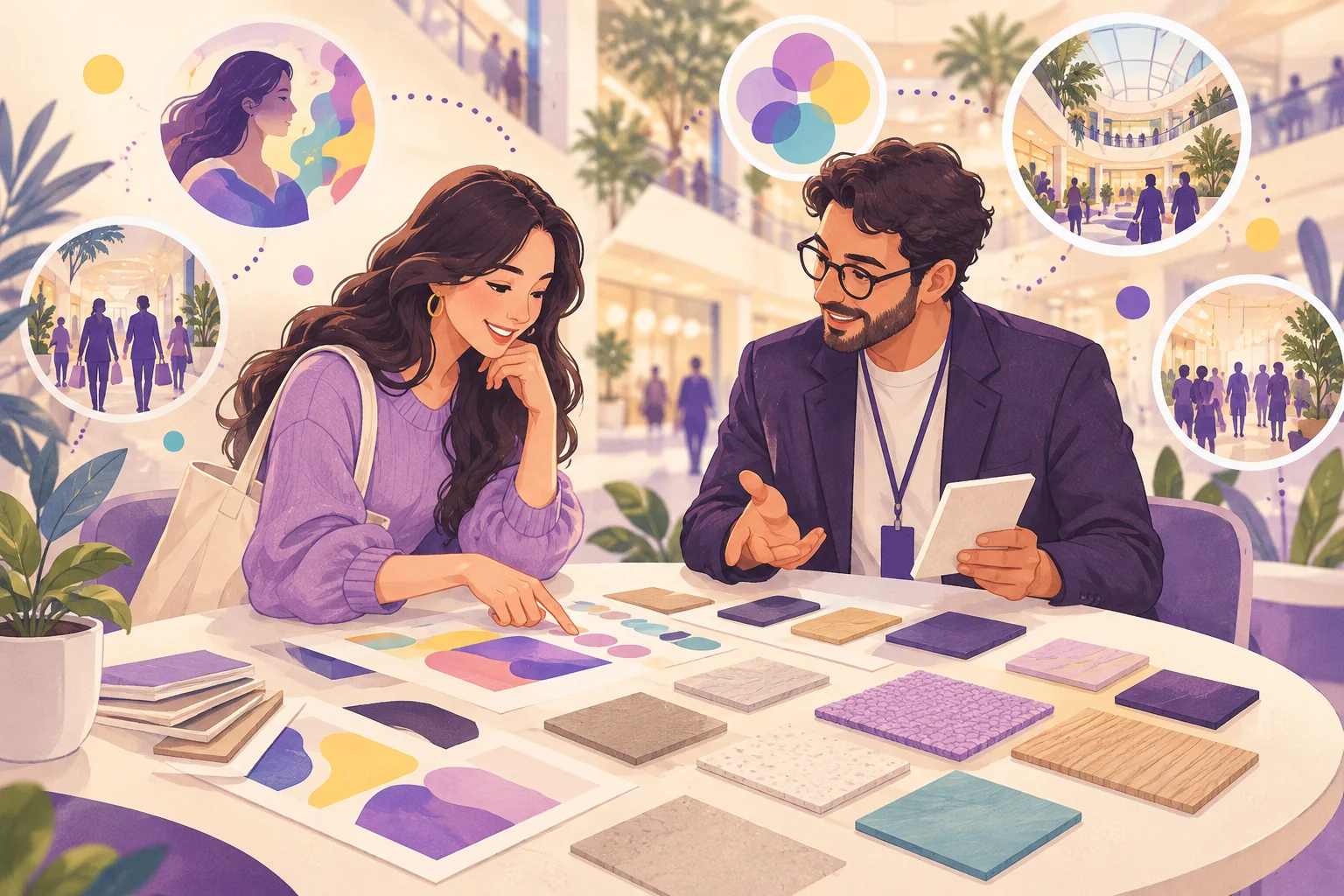
A DIY UV printing vending machine lets visitors design their own souvenir on a touchscreen — using a photo, a template, or their own artwork — and receive a printed item on the spot. Instead of choosing from shelves of identical gifts, each visitor walks away with something they made.
This guide covers how a DIY UV printing vending machine works, what actually drives its running costs, and what to confirm before you order.
What Is a DIY UV Printing Vending Machine?
UV printing uses ultraviolet light to cure ink as it is printed, so the image sets quickly on the surface of an item. In a vending format, that process sits inside a self-service cabinet with a touchscreen, payment hardware, and an output slot.
The result is a souvenir — such as a printed commemorative coin, badge, or other small round keepsake — that carries the visitor’s own design.
How Does It Work for the Visitor?

- Choose — the visitor picks an item and a design style on the touchscreen.
- Personalize — they add a photo, pick a template, or create their own design.
- Preview — the screen shows what the finished item will look like.
- Pay — payment is completed on the machine.
- Collect — the item is printed and delivered through the output slot.
Because the visitor is involved in every step, the machine works as an activity as well as a shop. Watching the item being made is part of the experience.
Why Venues Choose a DIY Printing Machine
It sells an experience, not just a product
Visitors pay for the act of creating something, which supports a higher perceived value than a mass-produced souvenir of the same size.
Every item is unique
There is no need to predict which designs will sell. The visitor designs it, so you avoid stocking printed inventory that never moves.
It fits many venue types
Tourist attractions, museums, science centers, shopping malls, airports, and theme parks can all use it — the templates change, the machine stays the same. See our tourist attraction and shopping mall solutions.
It can be managed remotely
Depending on configuration, operators can review sales data and manage the machine without being on site. Confirm which back-office features are available for your market.
What Drives the Running Costs?
There is no single “cost per print” that applies everywhere. Your actual running cost depends on a handful of factors you should get in writing from the supplier.
| Cost driver | What to ask |
|---|---|
| Blank items | Cost per blank coin, badge, or other item, and minimum order for refills |
| UV ink | Ink consumption per print, cartridge cost, and shelf life |
| Maintenance | Routine cleaning tasks, how often, and how long they take |
| Wear parts | Which parts wear out, their cost, and spare-part availability |
| Power | Power consumption at your local voltage |
| Connectivity | Whether the back office needs 4G, Wi-Fi, or Ethernet, and any fees |
| Space | Rent or revenue share at your chosen location |
A simple way to compare machines is to calculate total cost per item sold:
(Blank item + ink + share of maintenance and wear parts + share of space and power) ÷ items sold
Then compare that to the retail price you can realistically charge at your venue. Ask the supplier for consumption figures based on your expected volume, not a best-case average.
Operating Tips
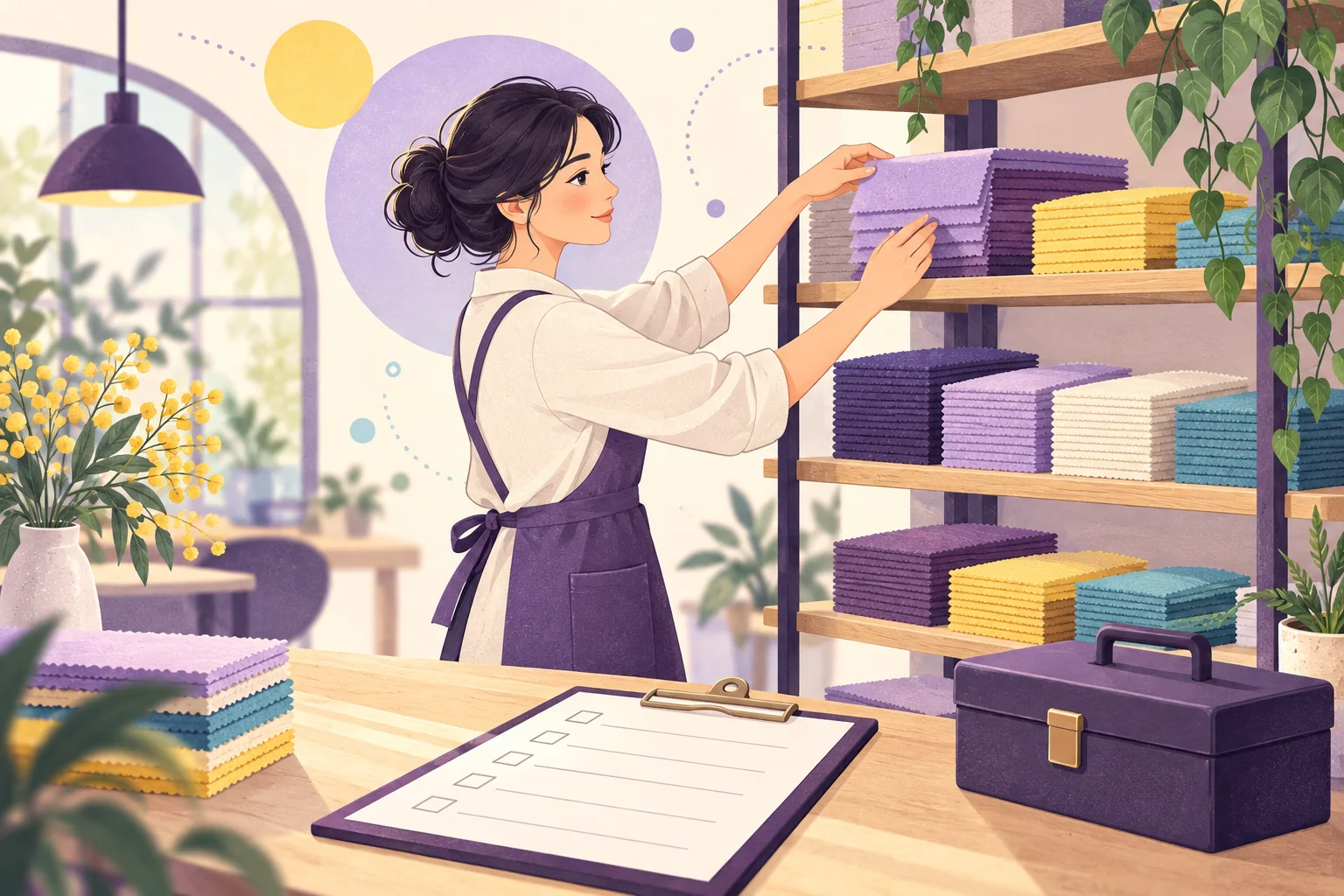
- Place it where people pause. Exits, gift shop entrances, and queue areas work better than busy walkways.
- Show finished samples. A display of printed items next to the machine explains the product faster than any sign.
- Refresh templates by season. Holiday and event templates give returning visitors a reason to buy again.
- Assign one owner. One person responsible for refills and cleaning keeps uptime high.
DIY UV Printing vs. Laser Engraving
Both machines create a personalized souvenir on site, but the result is different. UV printing produces a full-color image; laser engraving marks a design into the surface. If you are deciding between them, read our comparison: UV printing vs laser engraving vending machine, or view the laser engraving vending machine.
What to Confirm Before You Buy
- Which items the machine can print on, and their sizes
- Print time per item and how many items it can hold before refilling
- Ink, blank-item, and wear-part costs in your market
- Payment hardware for your country
- Voltage, frequency, and plug type
- Back-office features and connectivity
- Cabinet branding and template options — see customization
- Warranty, spare parts, installation guidance, and remote support
Frequently Asked Questions
What can a DIY UV printing vending machine print on?
Typical outputs are small souvenir items such as printed coins or badges. Confirm the exact items and sizes available for the model you choose.
Do visitors need design skills?
No. Templates guide the process, and visitors can simply add a photo. Those who want to can create their own design.
How much does each print cost to produce?
It depends on blank-item, ink, and maintenance costs in your market and your sales volume. Ask the supplier for figures based on your expected volume.
Can the machine carry our branding?
Yes. The cabinet and on-screen templates can usually be customized for your venue.
Where does a UV printing vending machine work best?
Places where visitors want a personal keepsake and have a few minutes to spare: attractions, museums, malls, airports, and theme parks.
Planning a DIY Printing Project?
Tell us your venue type, placement, expected foot traffic, target souvenir item, and destination country. JOYDD can help you compare configurations and estimate what you need to confirm before ordering.
Learn more at https://joyddtech.com
CONTINUE EXPLORING